Demo Mode
Isolated, resettable, and safe for public demos.
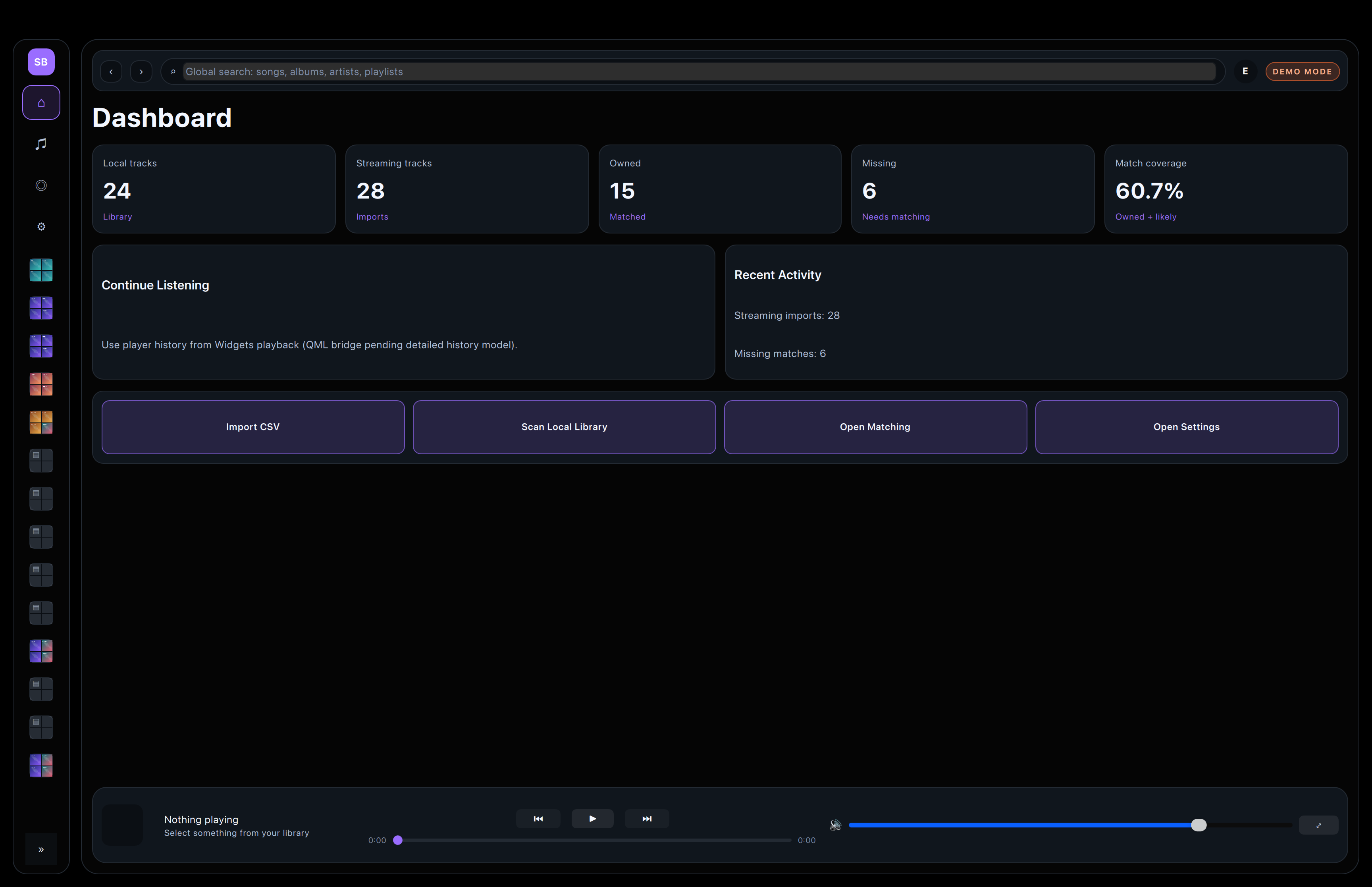
Demo Mode uses its own data set so the real library stays untouched while the full application flow remains easy to show, capture, and reset.
Separate demo database
Fortissify keeps Demo Mode in its own database so seeded content never mixes with a user’s real music library.
This allows screenshots and walkthroughs to stay public without risking private files or paths.
Seeded library data
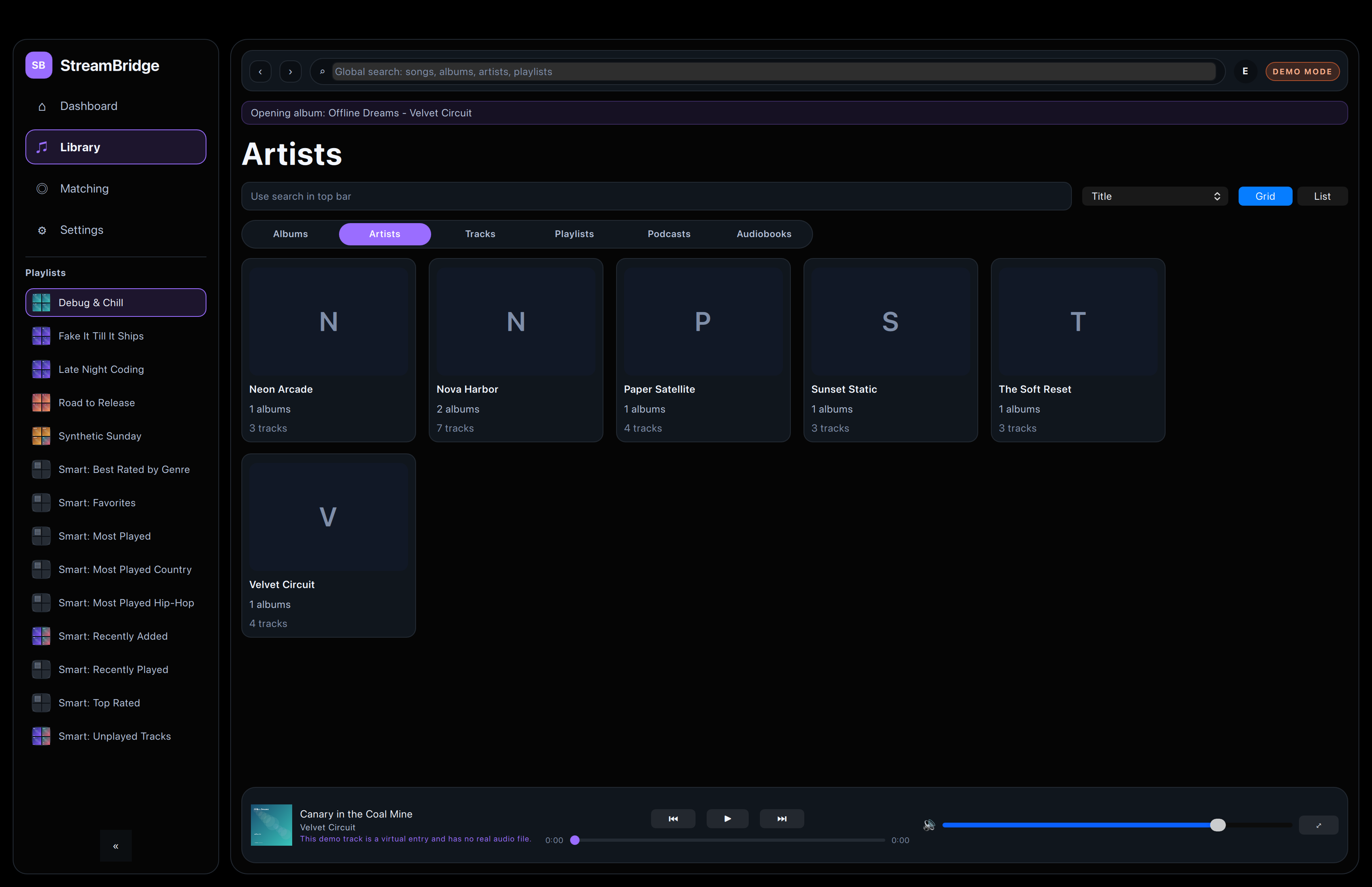
The demo profile includes virtual tracks, albums, artists, playlists, lyrics, and artwork so the app still feels complete.
That keeps the public story representative without depending on anyone’s local collection.
Reset
Easy to rebuild.
The demo data can be regenerated from settings, which keeps the public workflow consistent across screenshots and test runs.
Demo Mode follows the same importer and matching pipeline as the normal app, so it remains useful for onboarding and verification.