Feature overview
A small set of clear workflows, not a wall of features.
Fortissify is organized around five core areas: organizing the library, matching imported metadata, discovering details, playing music locally, and maintaining a clean desktop workflow.
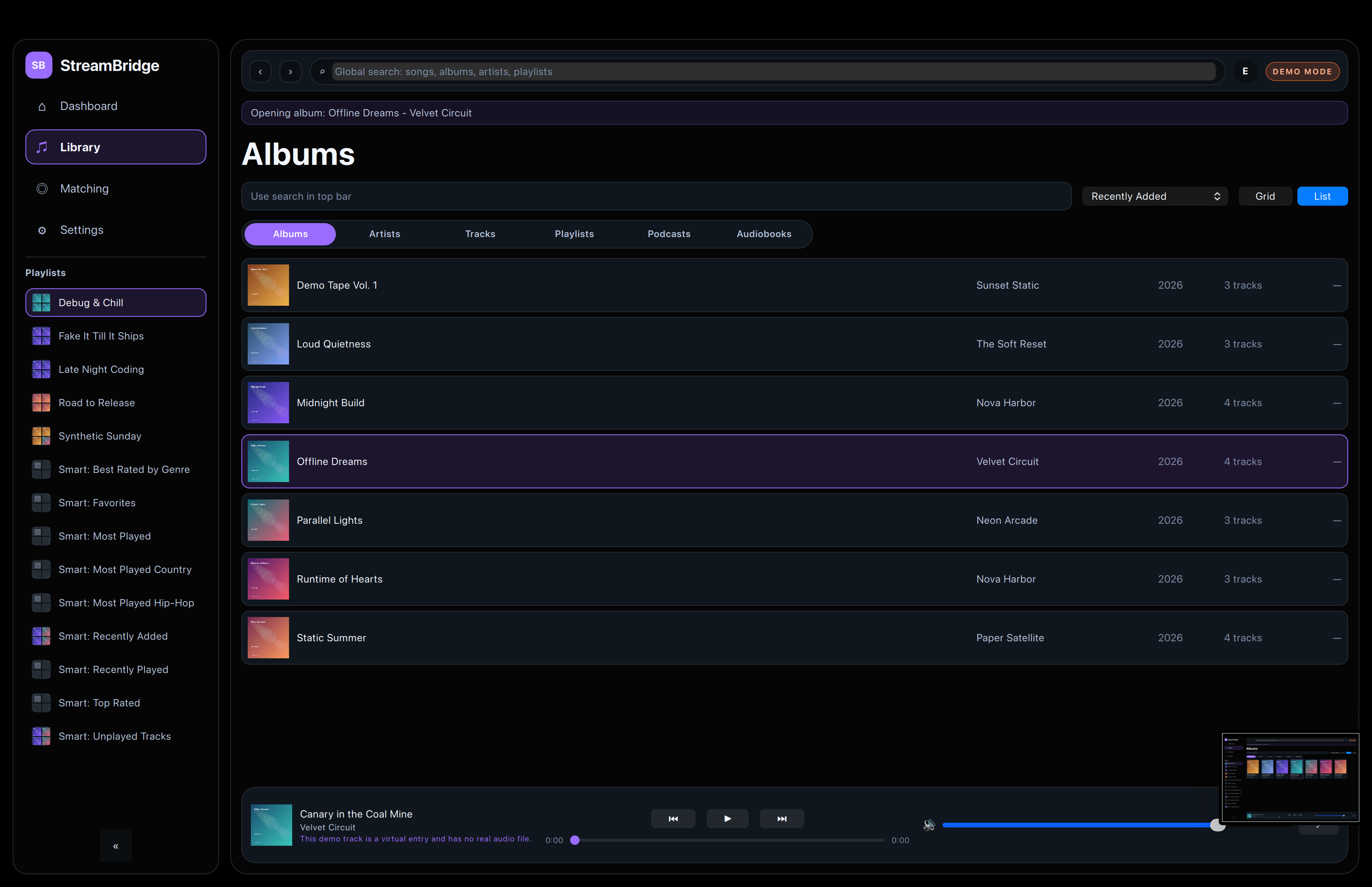
Library management
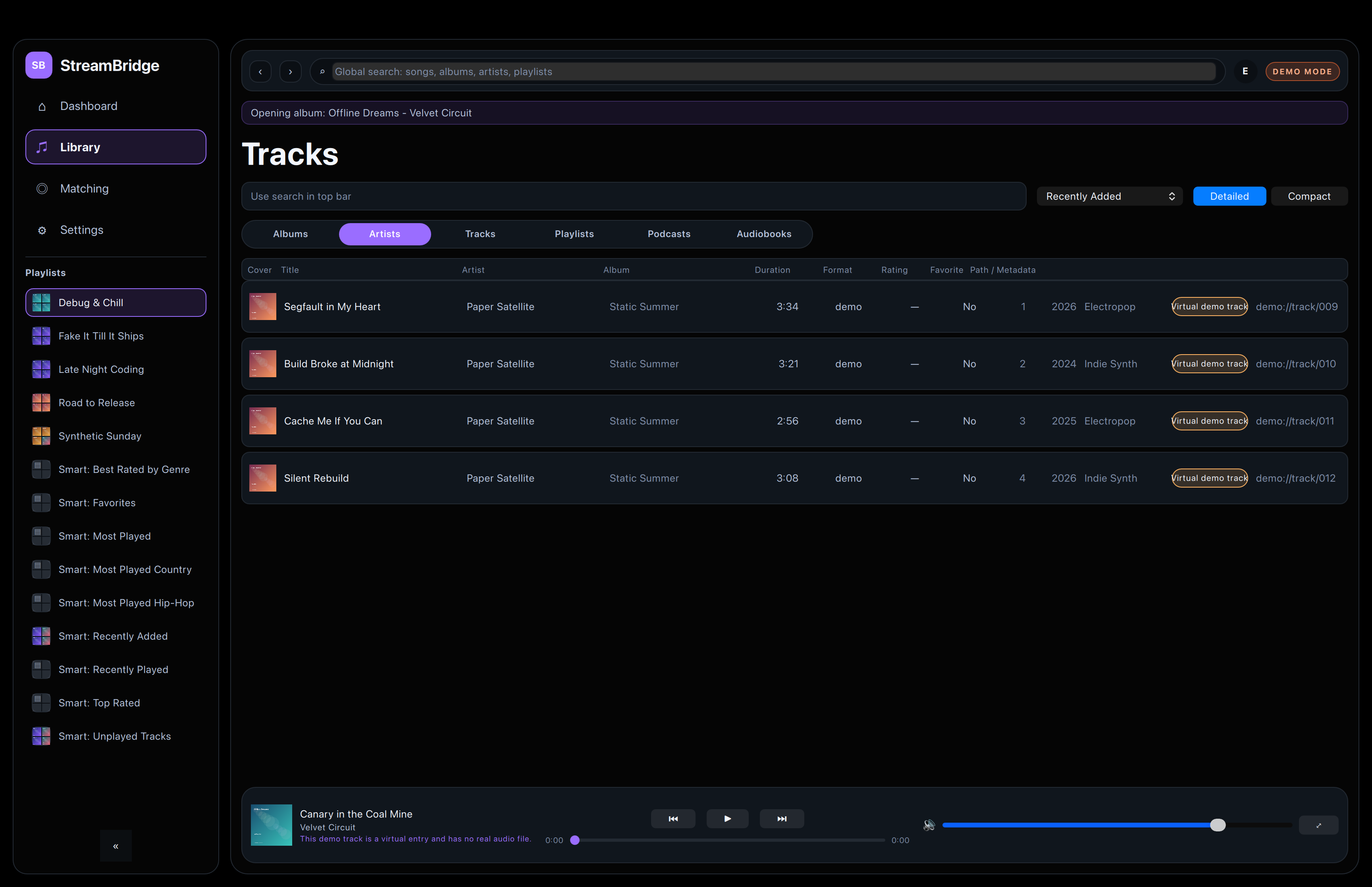
Fortissify keeps tracks, albums, artists, and playlists easy to inspect without layering extra chrome over the content.
The result is a library browser that feels closer to a desktop tool than a marketing site screenshot.
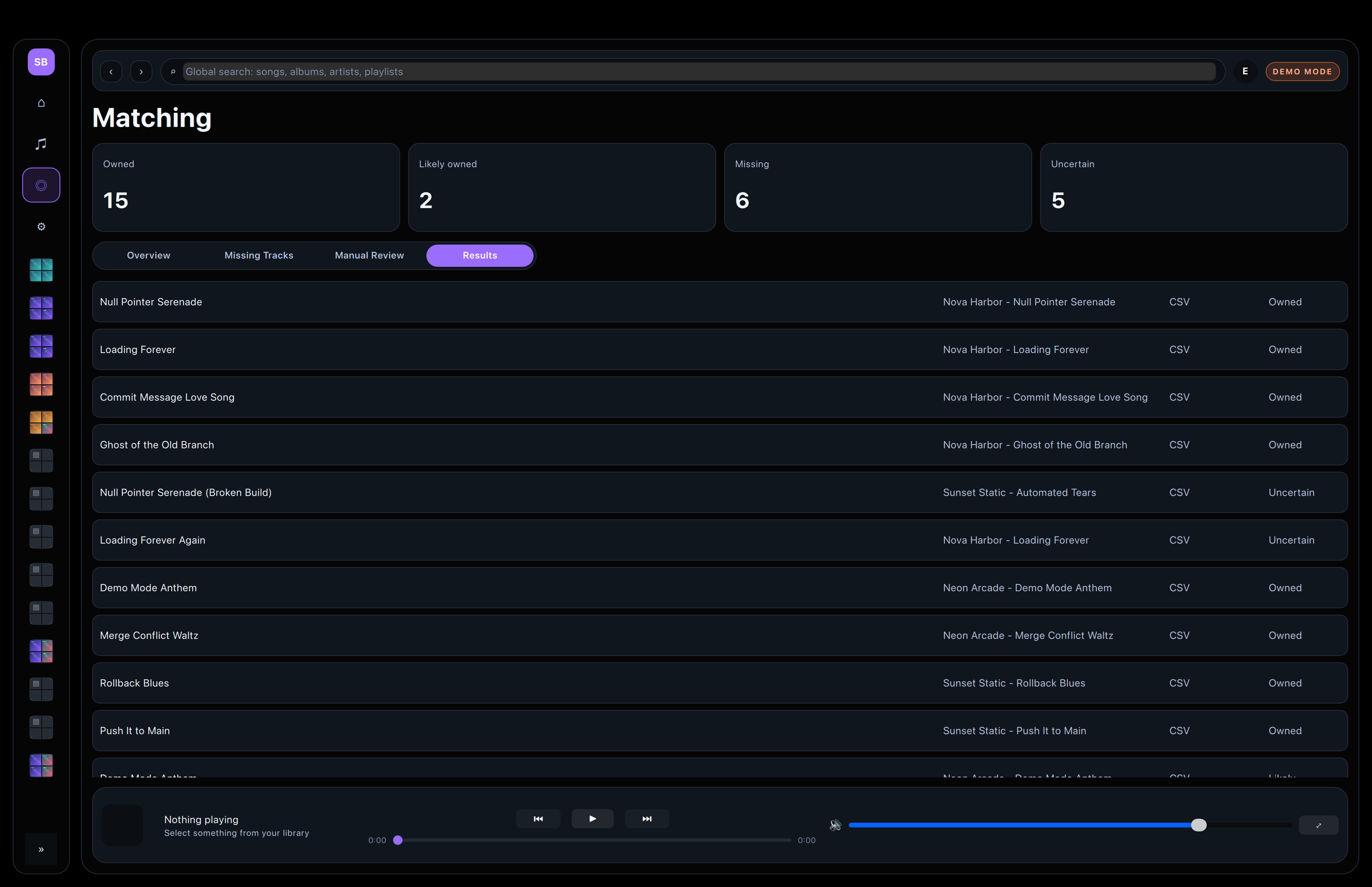
Metadata matching
Imported CSV rows land in owned, likely owned, uncertain, or missing states so the review path stays obvious from the start.
That separation makes bulk cleanup feel controlled instead of hidden behind a single success state.
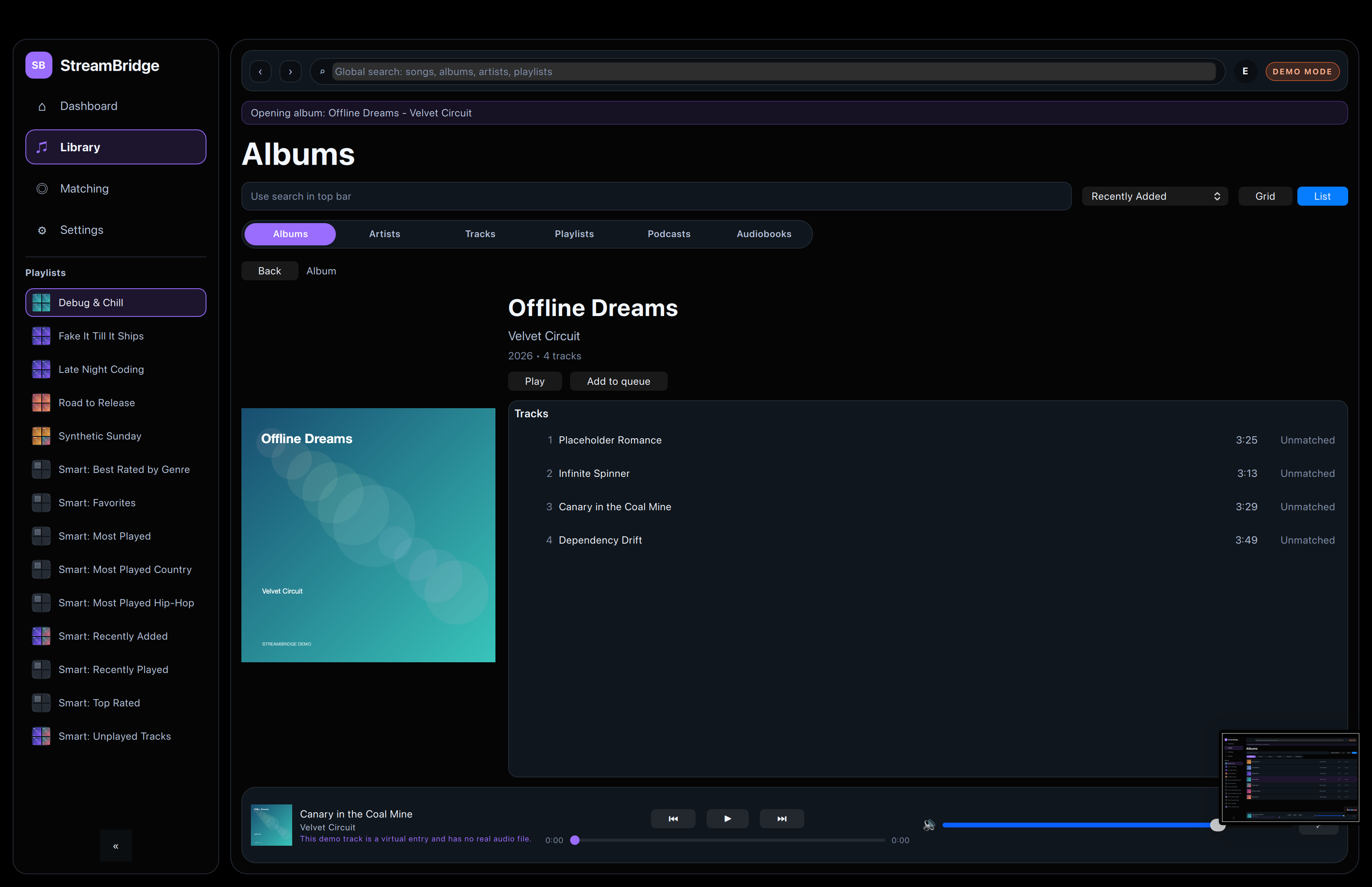
Metadata, artwork, and lyrics
Detailed views surface the information that actually helps a person decide what to keep, fix, or ignore.
Artwork, metadata, and lyric lookup are framed as support for the library, not as separate products inside the app.
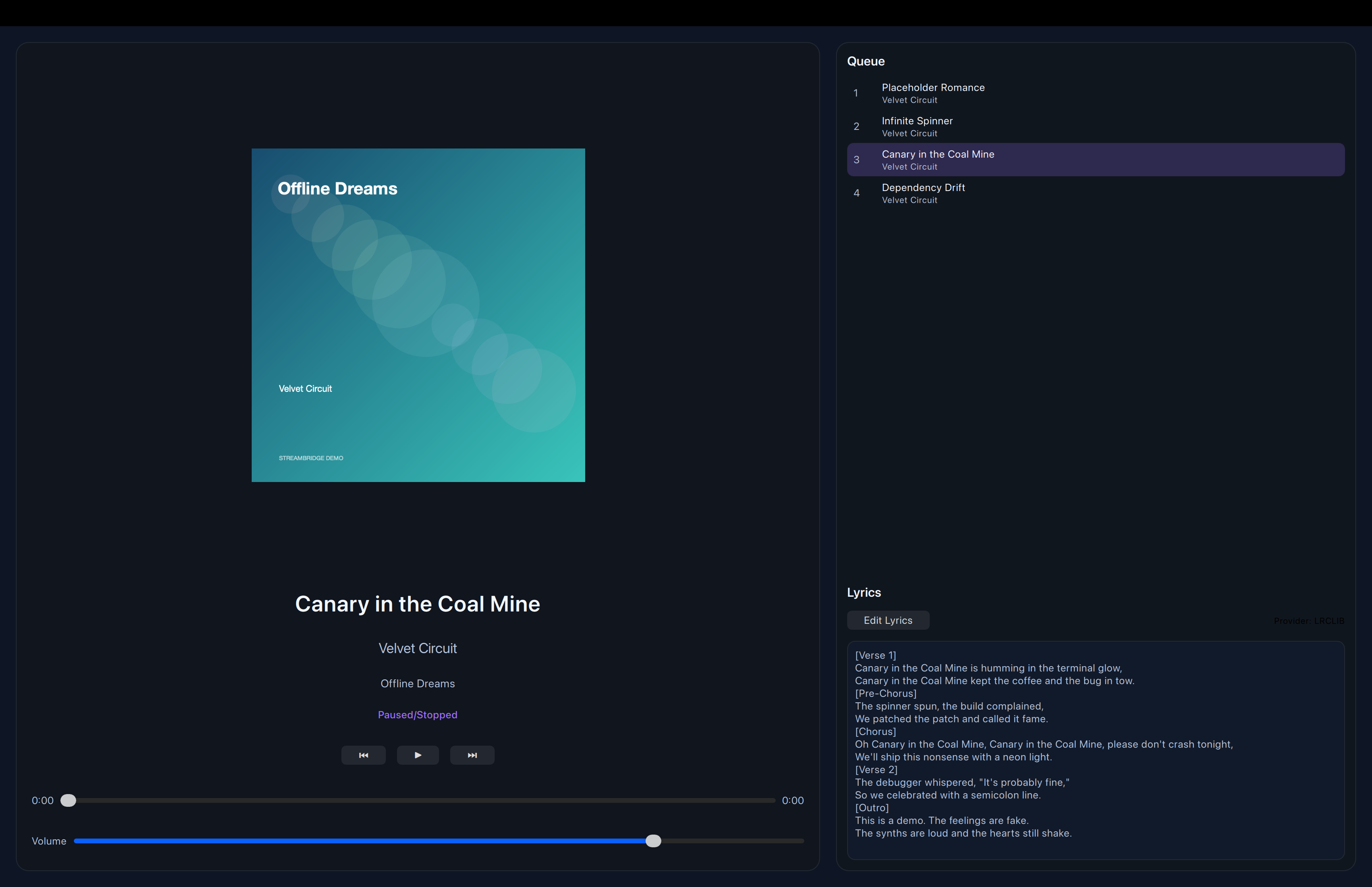
Local playback
Playback stays embedded in the desktop flow, so you can inspect a track and listen without switching apps or windows.
The fullscreen player keeps the visual treatment calm and readable instead of trying to imitate a browser media shell.
Cleanup, diagnostics, and duplicate handling
Fortissify keeps the maintenance path close to the data, which makes scans, review, and cleanup easier to trust.
Duplicate-oriented and missing-track views help surface problems without burying them under extra visual noise.
Roadmap
What comes next.
See the roadmap page for the current product direction and current priorities.
The public roadmap stays intentionally small: tighter UI polish, more reliable maintenance flows, and better review ergonomics.