Screenshot gallery
All current public screenshots, grouped by workflow.
The gallery uses the existing screenshots from the repository and keeps the layout even and quiet so each image reads like product documentation.
Overview
Start with the dashboard.
The dashboard is the fastest way to show the app shell, the current state, and the main entry points.
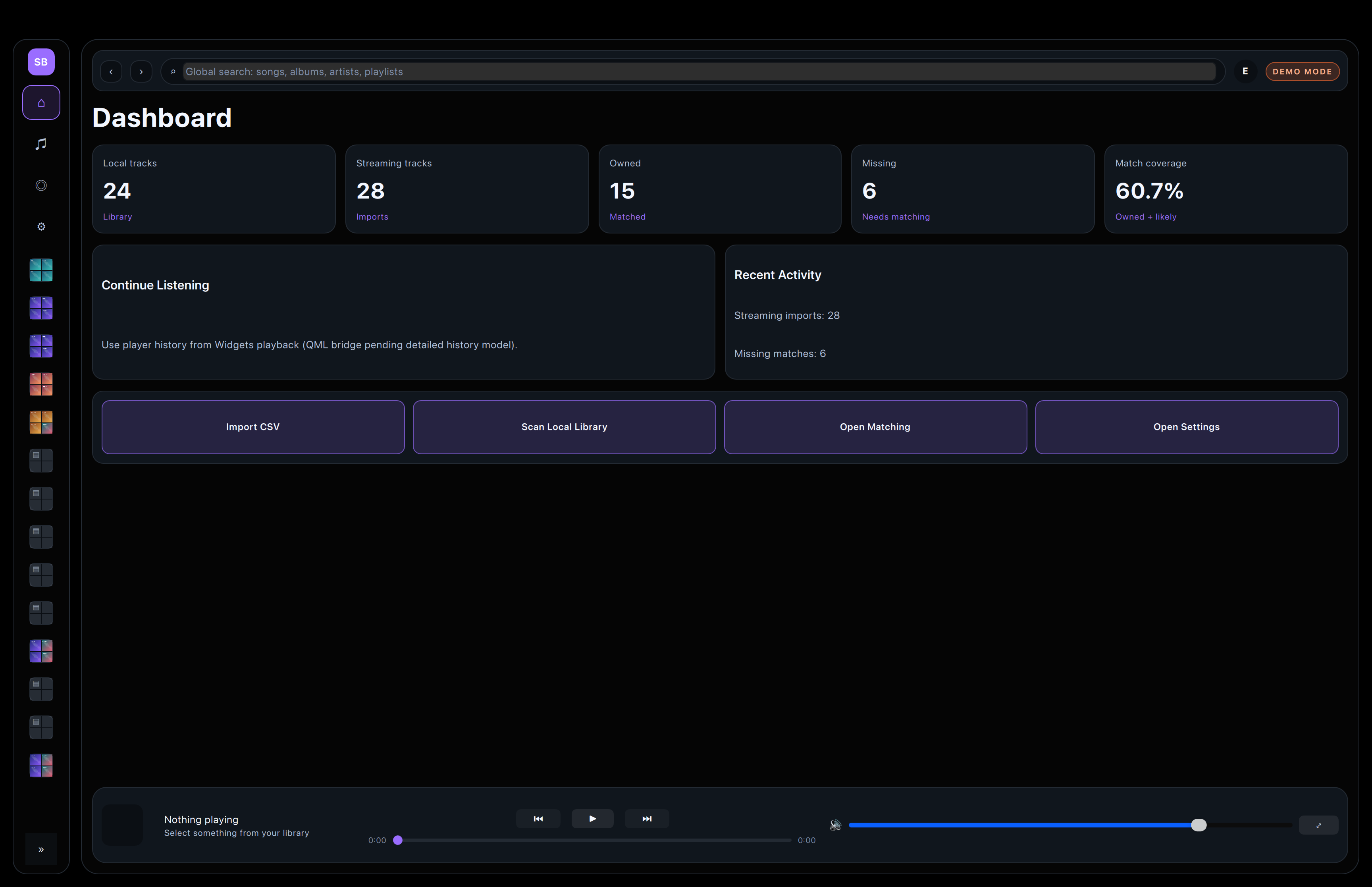
Entry point for scans, imports, matching, and general app state.
Library
Album, artist, playlist, and track views.
These screens show the local library from broad browsing down to detailed inspection.
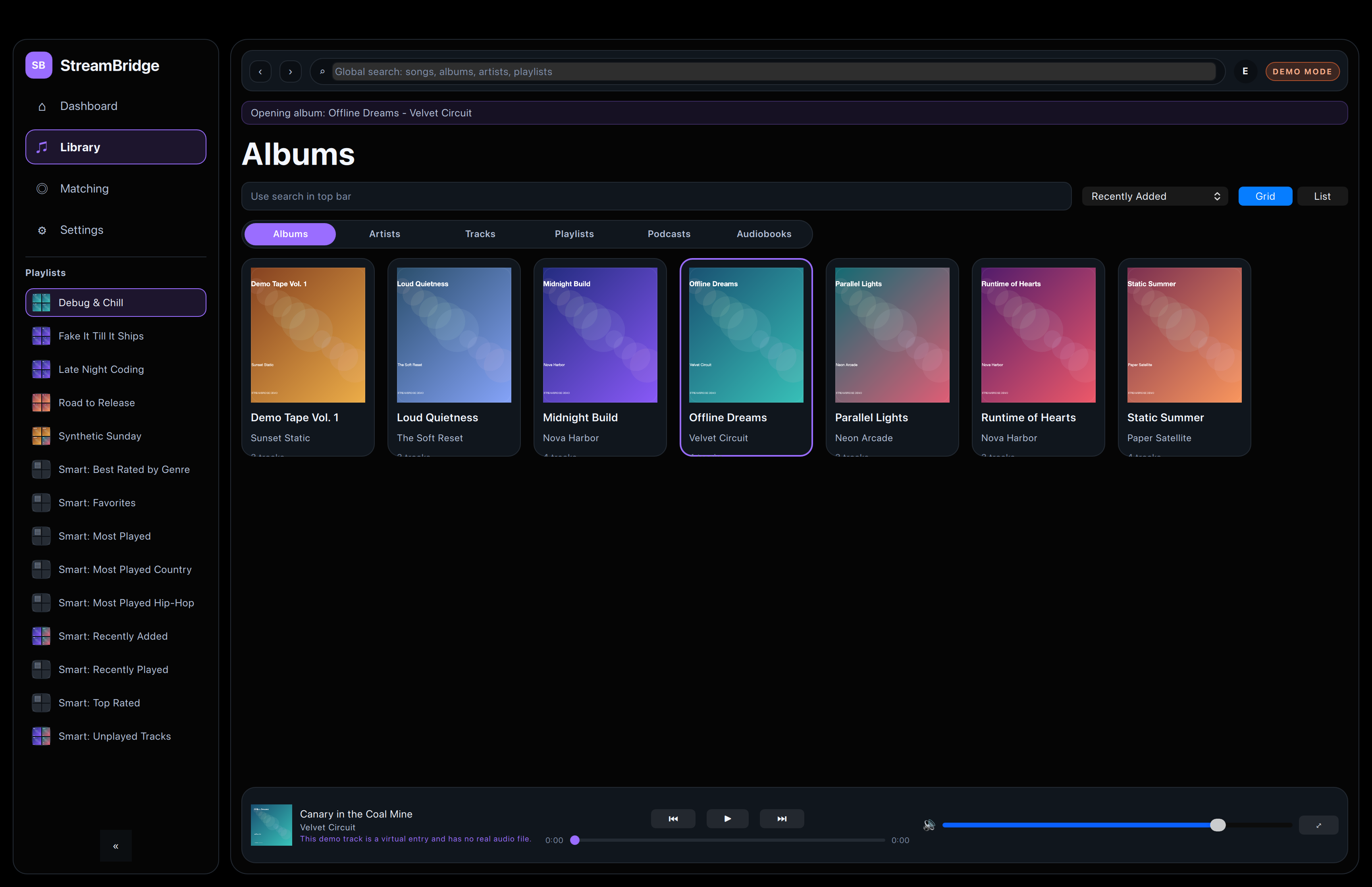
Album-first browsing with clear cover art and filtering.
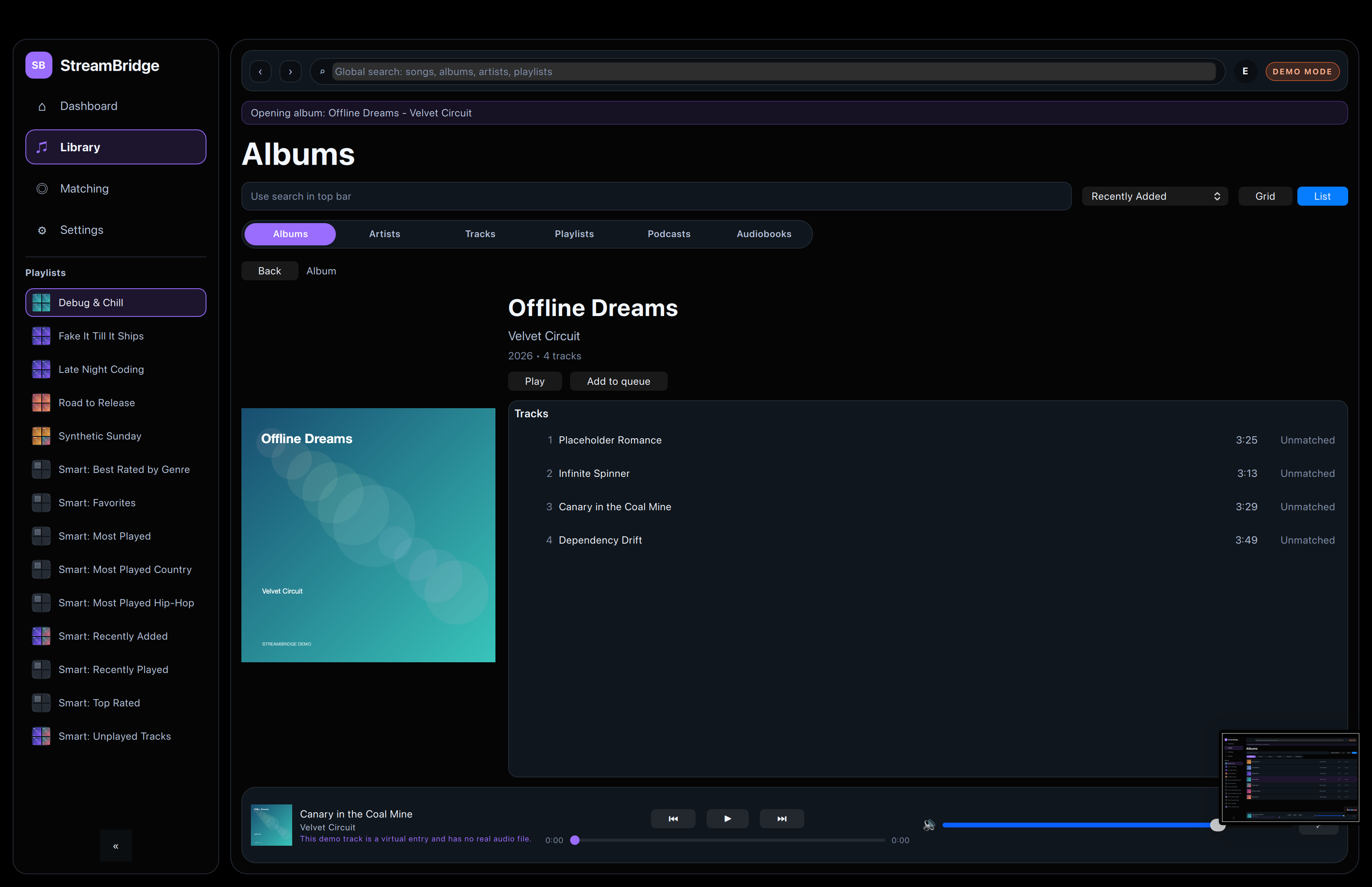
Tracks, metadata, and artwork in one focused view.
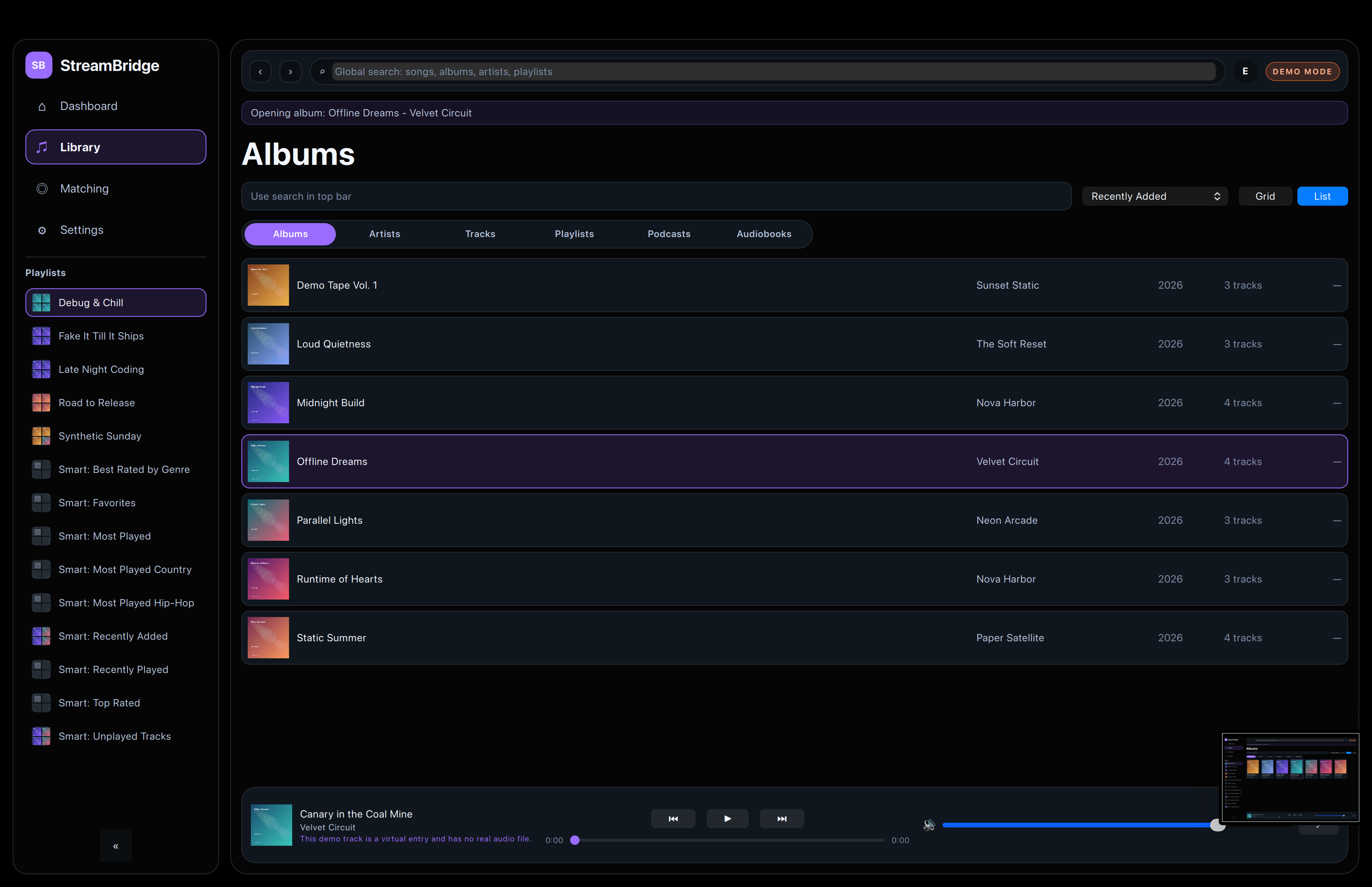
A compact list for faster scanning and sorting.
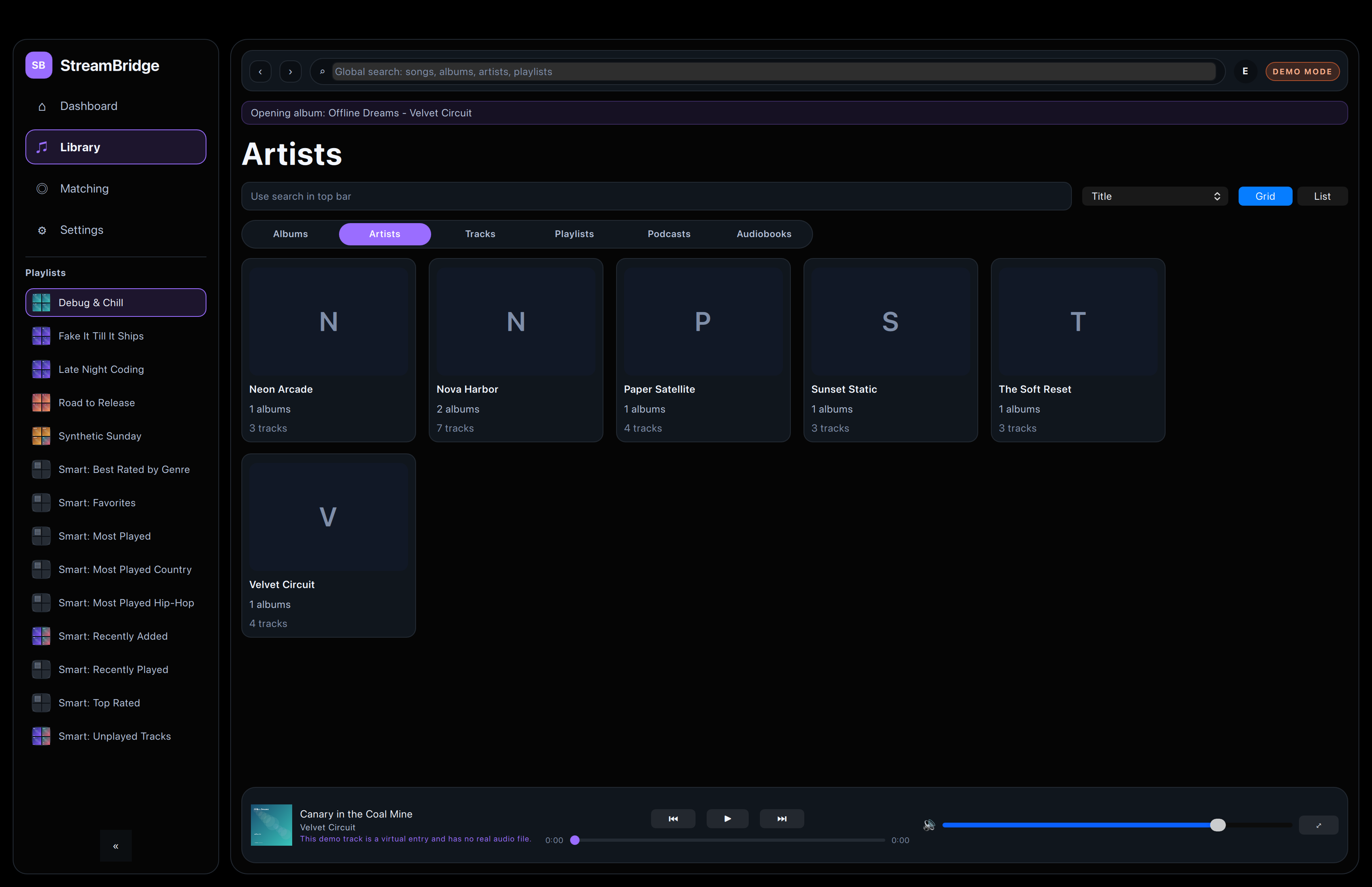
Artist browsing with a simple, visual grid.
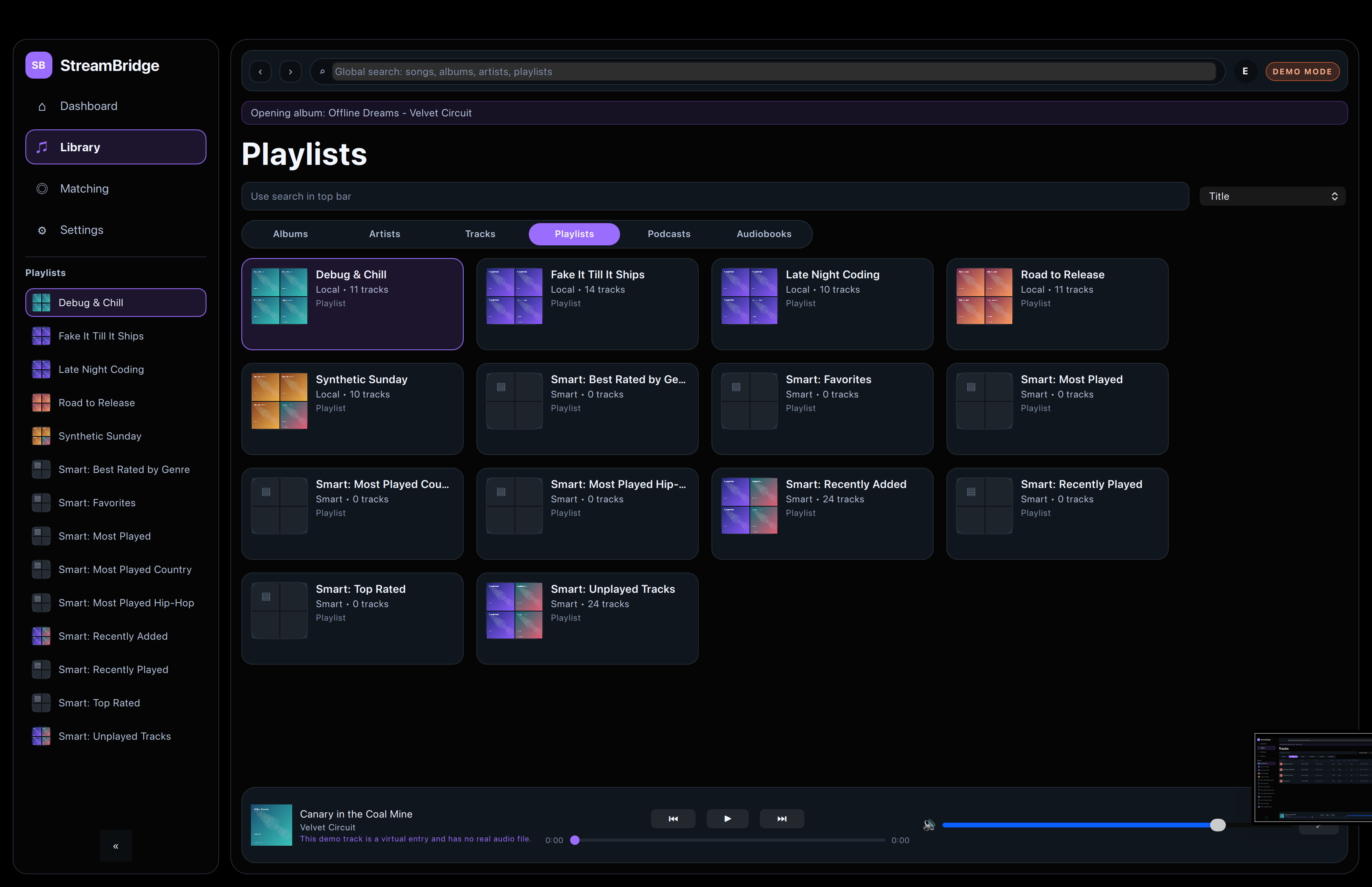
Playlist browsing without adding extra visual noise.
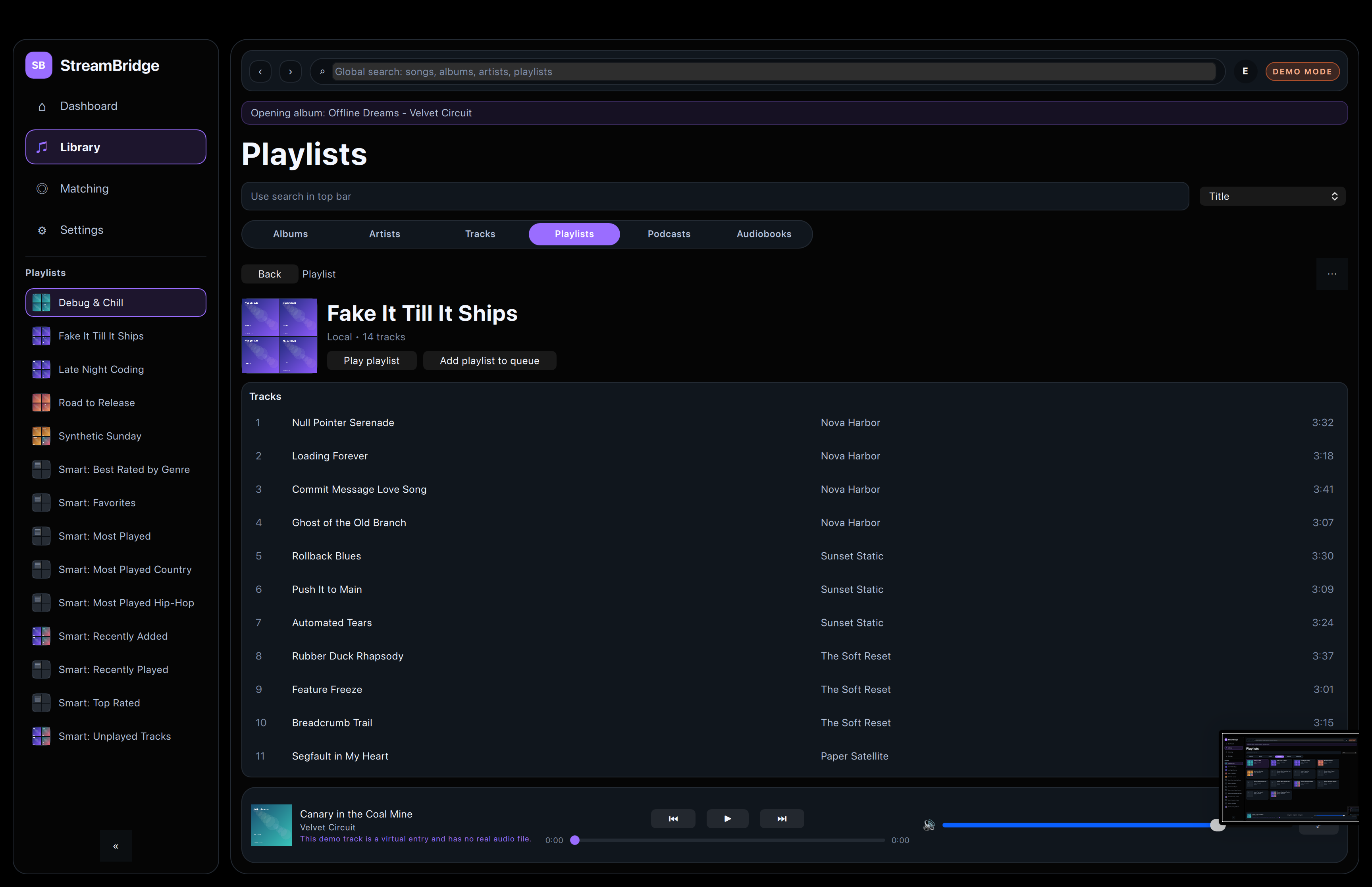
Detailed playlist context with the track list below.
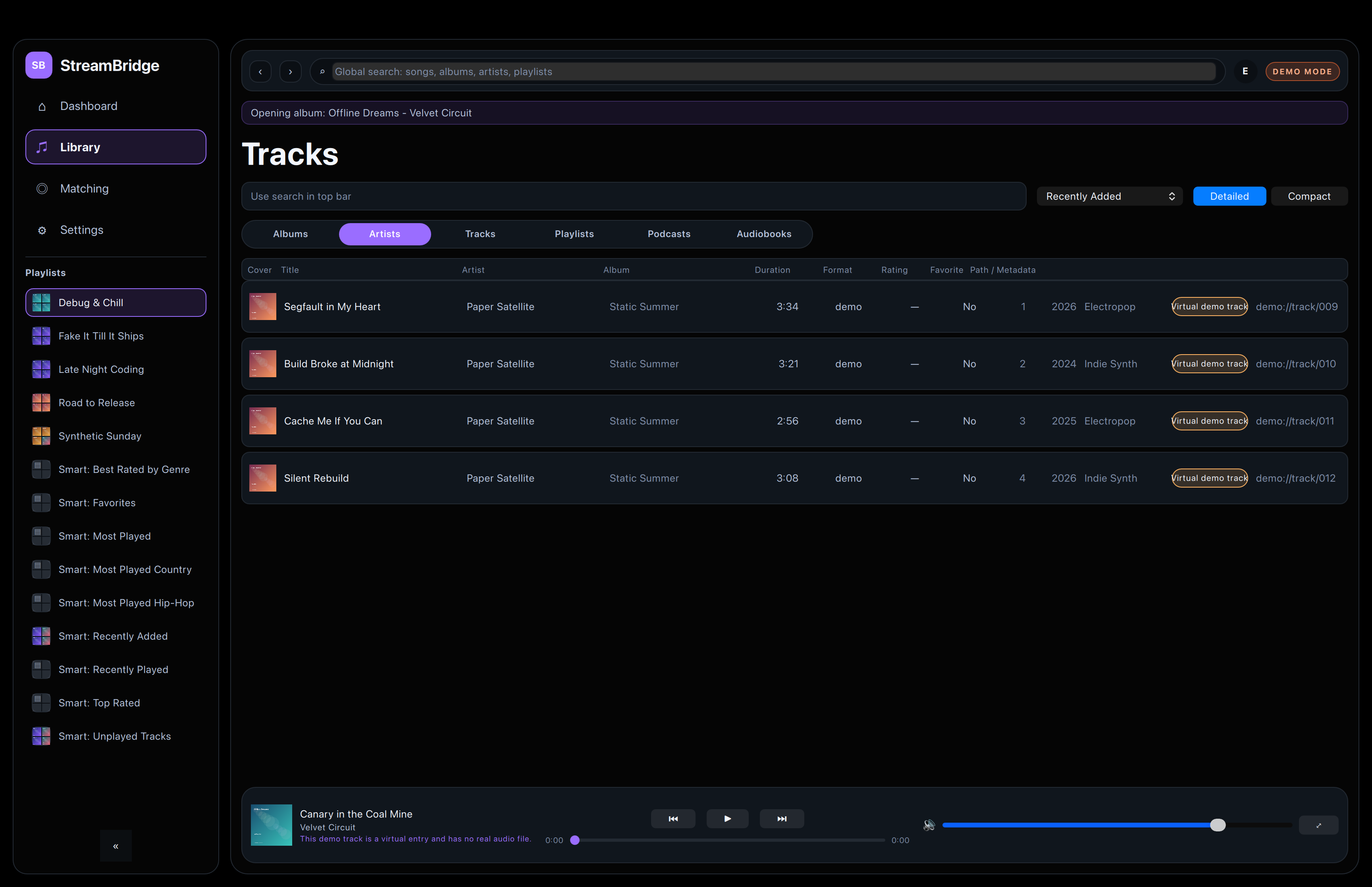
Detailed track rows for careful inspection and cleanup.
Matching
Results, review, and missing tracks.
These screenshots cover the core match-review flow used by the app and the demo CSV.
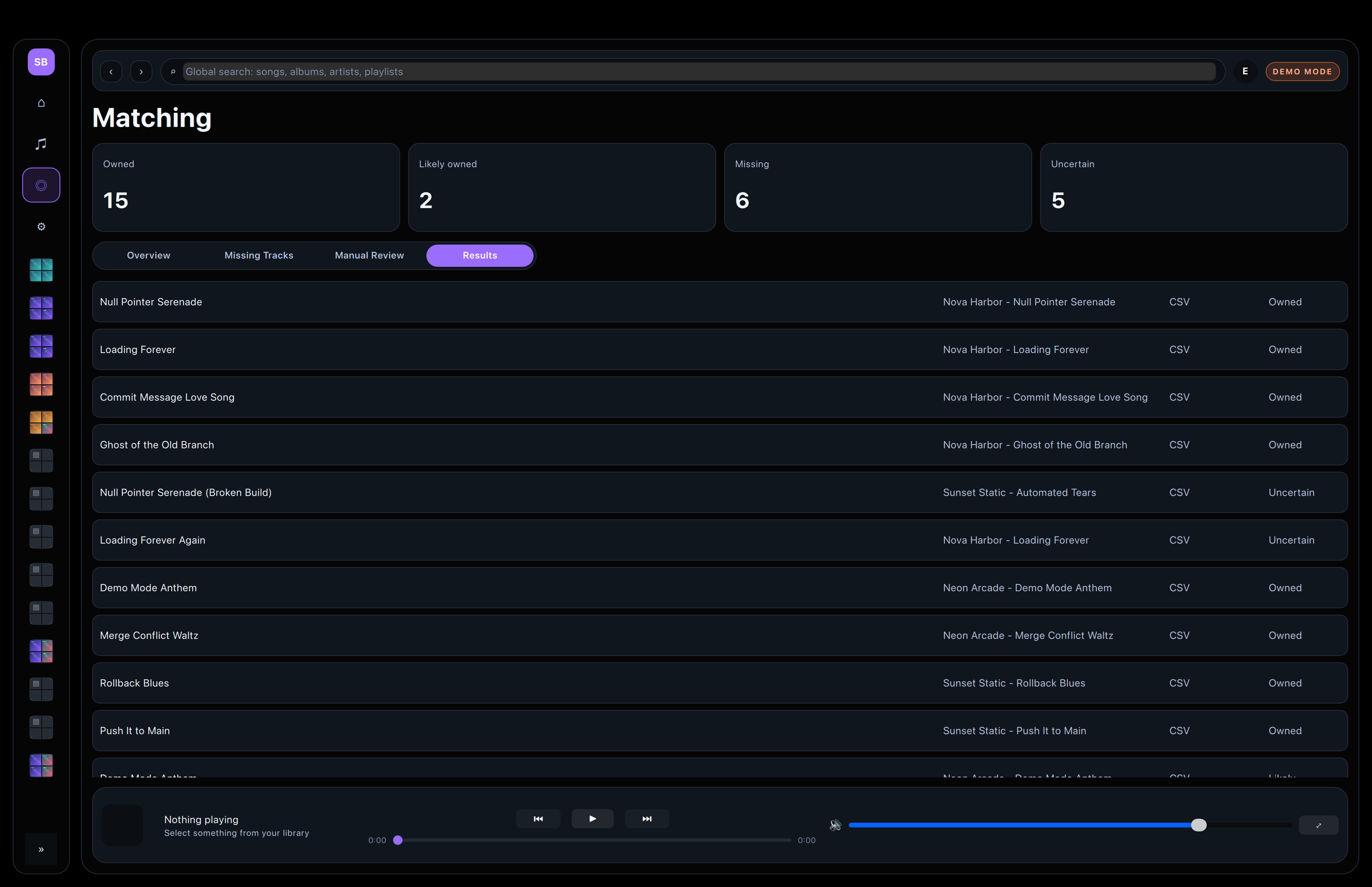
The main summary for owned, uncertain, and missing rows.
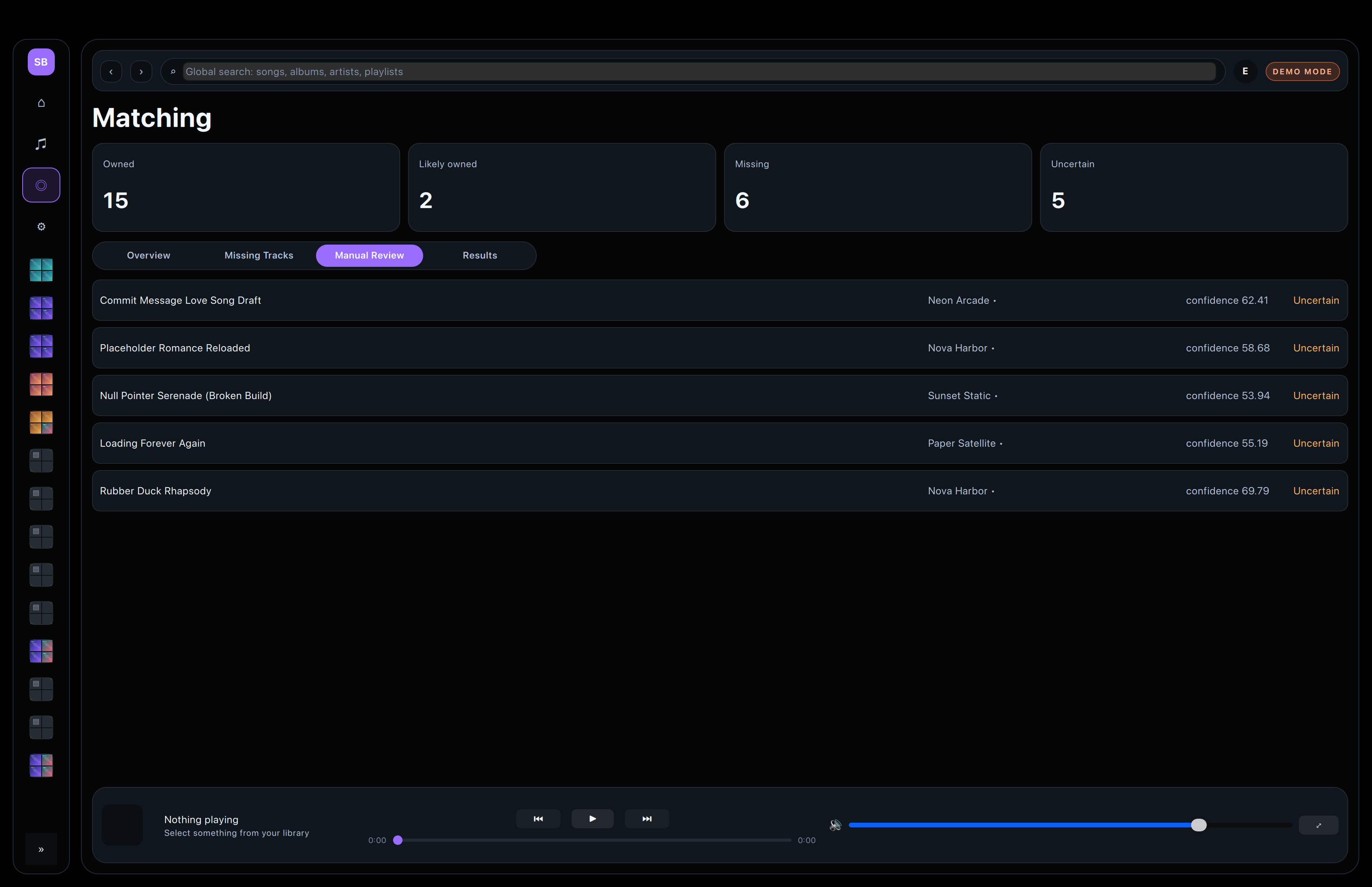
Resolve uncertain matches without leaving the app.
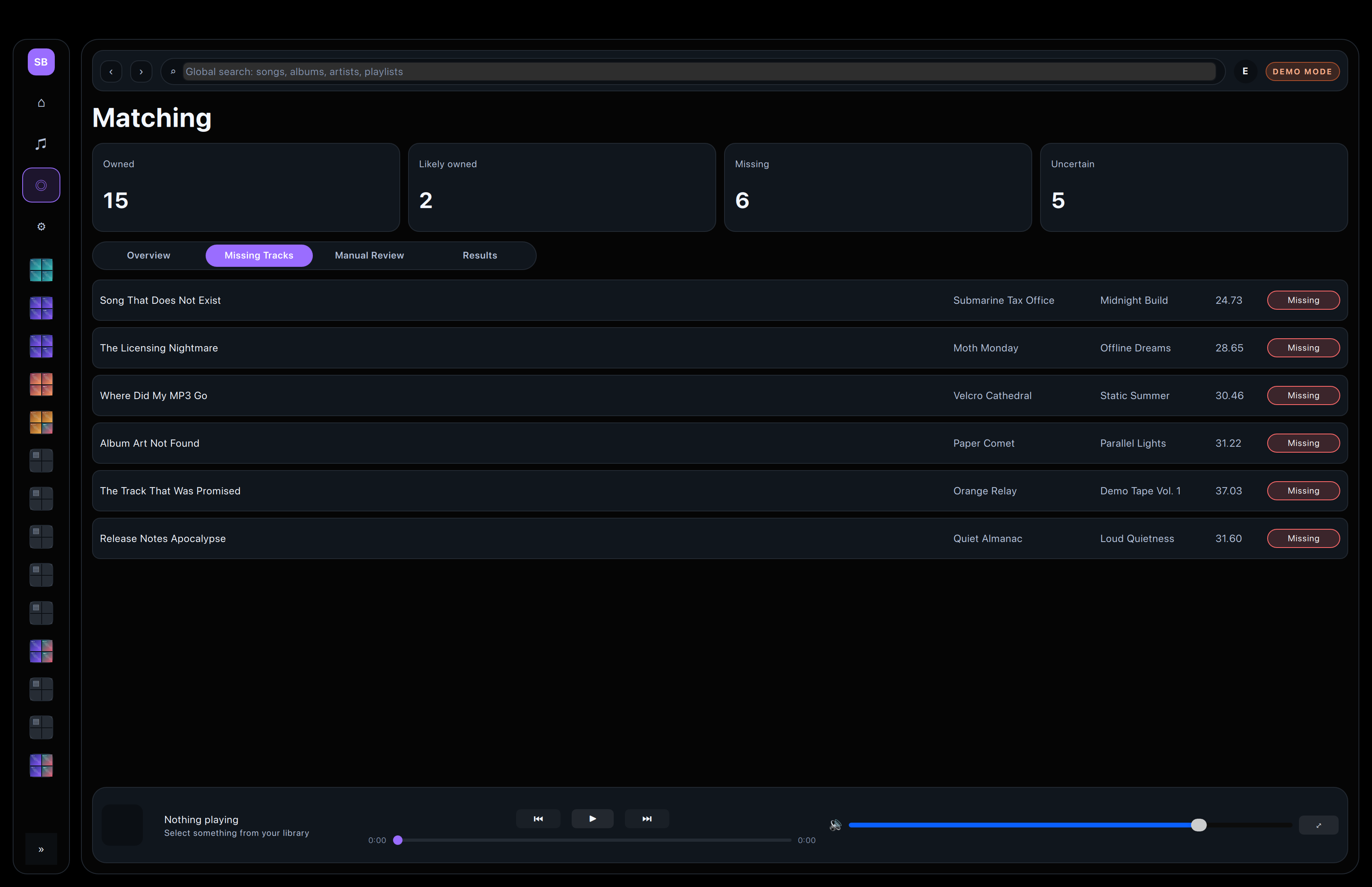
A simple list for cleanup and export planning.
Playback
The fullscreen player stays calm and readable.
Playback stays close to the library review flow, so listening never pulls you into a separate experience.
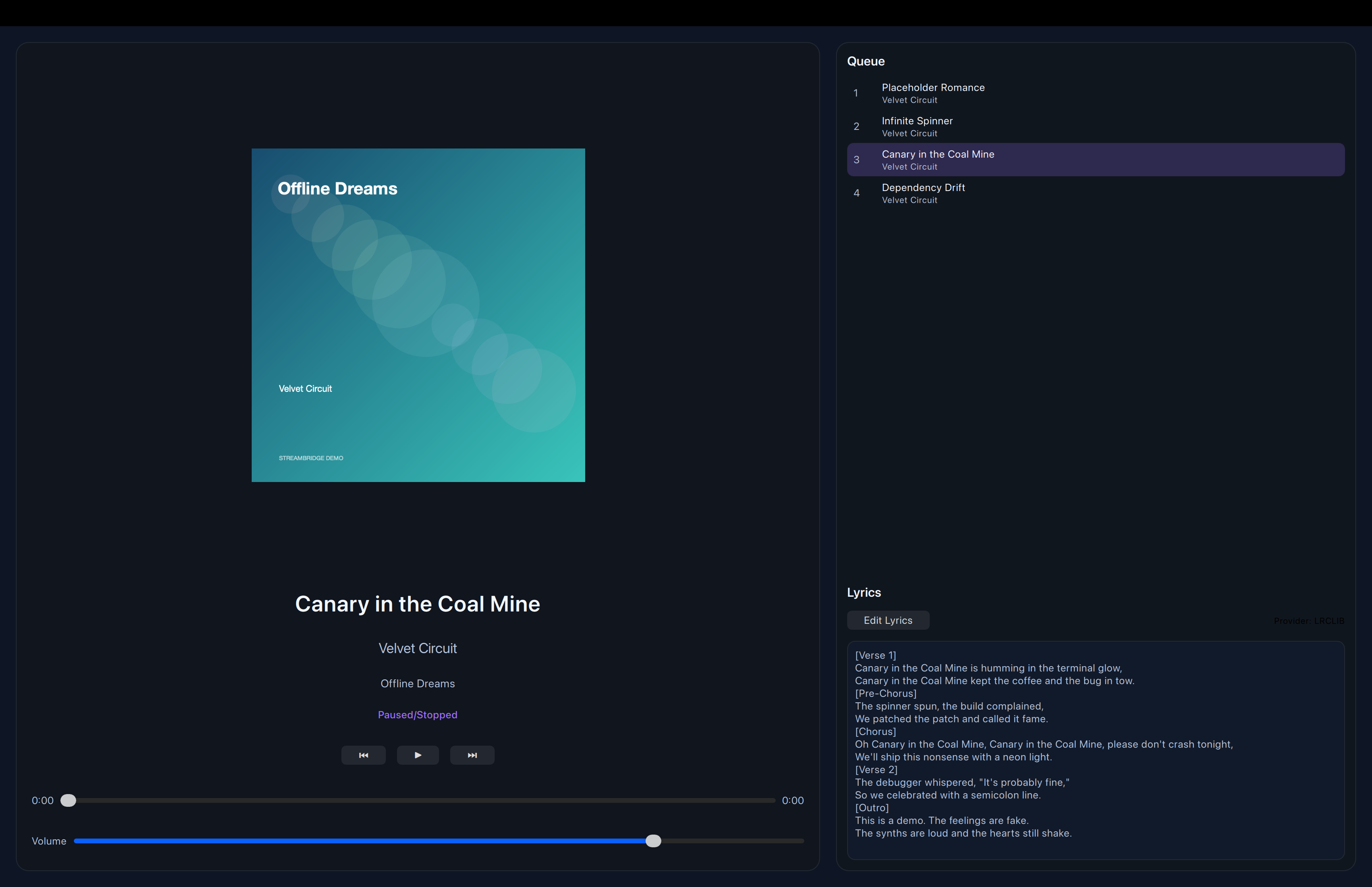
Artwork, lyrics, and playback controls in a single window.